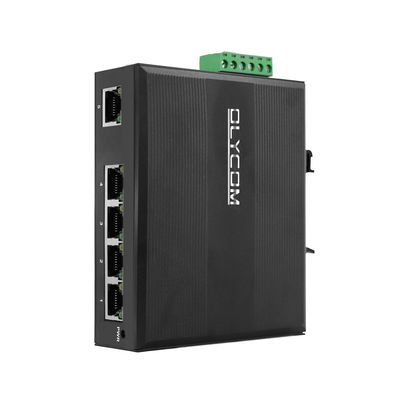
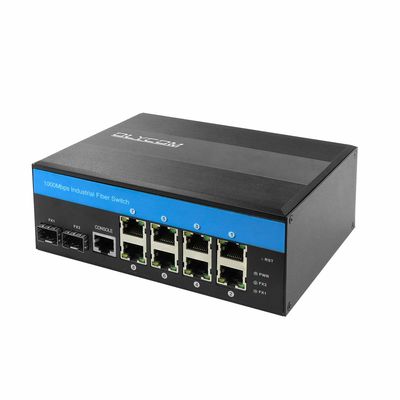
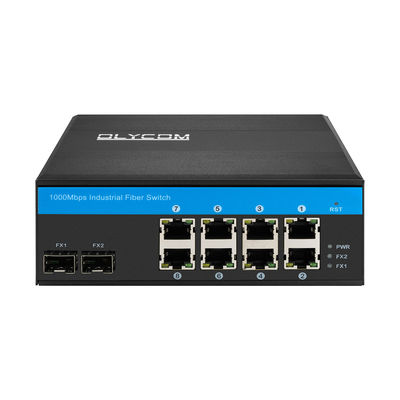
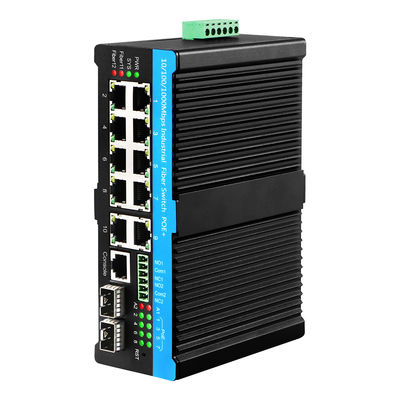
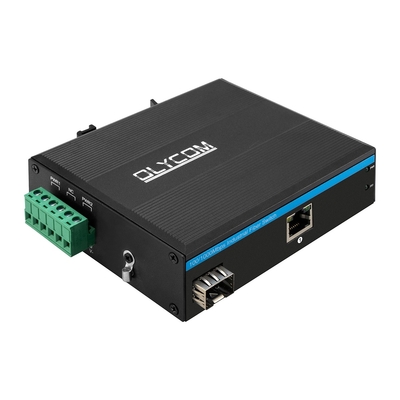
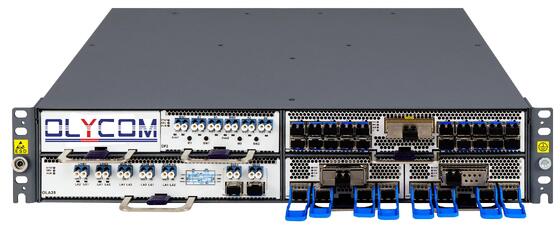
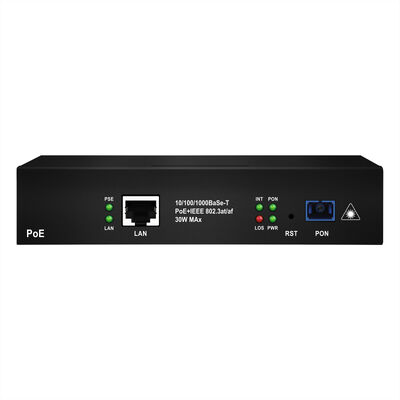
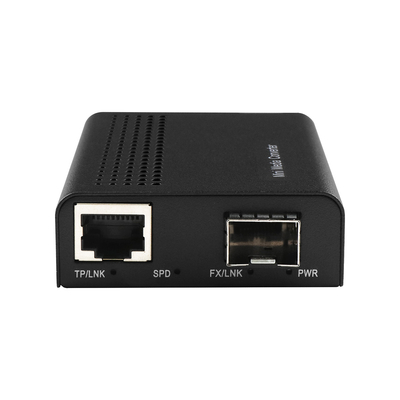
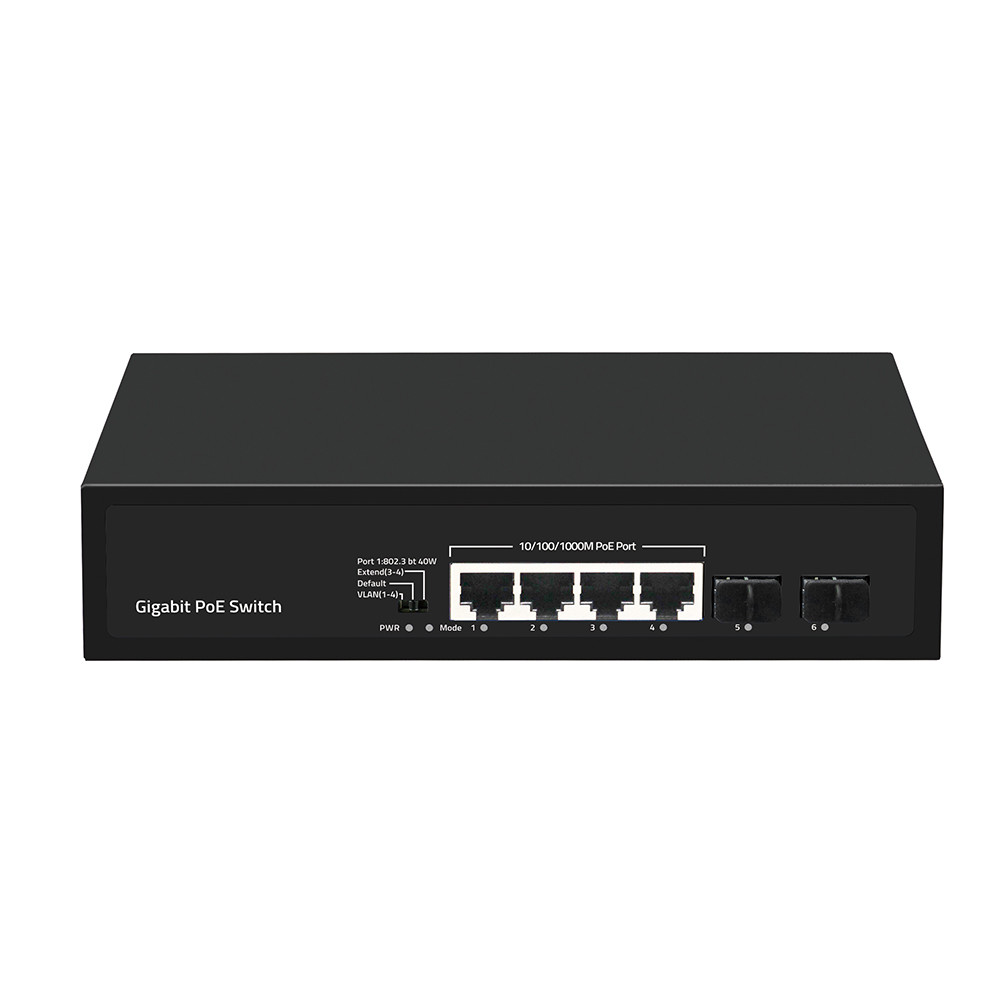
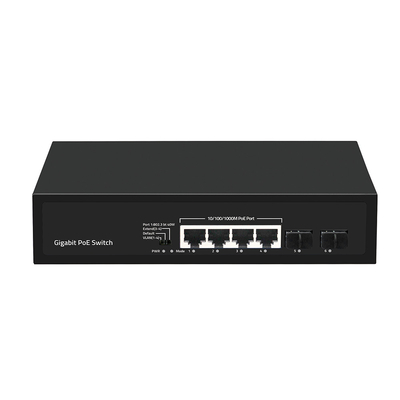
OLYCOM 4 Port Commercial Gigabit PoE Fiber Switch
Specification of PoE Fiber Switch
| I/O Interface |
| Power |
Input: AC 100-240V, 50/60Hz |
| Ethernet |
4*10/100/1000M PoE Port
2* Gigabit SFP Uplink Port
|
| Performance |
| Switching Capacity |
12Gbps |
| Throughput |
8.928Mpps |
| Packet Buffer |
1Mbit |
| MAC Address |
2K |
| Jumbo Frame |
9216bytes |
| Transfer Mode |
Store and forward |
| MTBF |
100000 hour |
| Standard |
| Network protocol |
IEEE802.3 (10Base-T)
IEEE802.3u (100Base-TX)
IEEE802.3ab(1000Base-TX)
IEEE802.3z(1000Base-FX)
IEEE802.3x (Flow control)
|
|
PoE Protocol
|
IEEE802.3af (15.4W)
IEEE802.3at (30W)
|
|
Network Medium
|
10Base-T : Cat3,4,5 or above UTP(≤100m)
100Base-TX : Cat5 or above UTP(≤100m)
1000Base-TX : Cat5 or above UTP(≤100m)
|
| Optical Media |
Multimode fiber : 50/125, 62.5/125, 100/140μm
Single mode fiber: 8/125, 8.7/125, 9/125, 10/125μm
|
| Protection |
| Security Certificate |
CE,FCC,RoHS |
| Environment |
| Working Environment |
Working Temperature:-10~50°C
Storage Temperature:-40~70°C
Working Humidity :10%~90%,non-condensing
Storage Temperature:5%~95%,non-condensing
|
| Indication |
| PWR(power supply) |
Lighting:Powered
Un-Light:No Power
|
| Mode(DIP) |
Lighting:VLAN
Un-Light:Default
Flashing:Extend
|
| 1-6 Gree(Link&Data) |
Lighting:Connecting
Flashing:Data Transmit
Un-Light:Disconnect
|
| DIP Switch |
VLAN:Port isolation mode. In this mode, the PoE ports (1-4) of the switch cannot communicate with each other, and can only communicate with the UP-link port.
Default : Normal mode, all port can communicate with each other, the transmission distance is within 100 meters
Extend:Link extension mode, 3-4 ports PoE power supply and data transmission distance can be extended to 250 meters, the transmission rate becomes 10M
|
| Mechanical |
| Structure Size |
Product Dimension : 200*118*44.5mm
Package Dimension : 245*190*60mm
N.W:0.63kg
G.W:0.93kg
|
| Packing Info |
Carton MEAS:520*320*400mm
Packing Qty:20units
Packing Weight:19.6KG
|
| Power Voltage |
Input Voltage :AC 100-240 V
Power supply:52V1.25A
|
| power |
Product power: maximum 5W
POE power: maximum 60W
|
| Package List |
Switch 1 pcs, Power cord 1 pcs, User manual 1 pc, Certification 1 pc |

Key Features of Gigabit Ethernet Switch
- 4*10/100/1000M POE Ports + 2*1000M SFP Port
- Comply with IEEE 802.3, IEEE 802.3u, IEEE802.3ab, IEEE802.3z standards
- Ethernet port 10/100/1000M rate auto adaptive
- Flow control mode: full-duplex adopts IEEE 802.3x standard, half-duplex adopts Back pressure standard
- Support Port Auto-flip (Auto MDI/MDIX)
- Panel indicators to monitor working status and help fault analysis
- One-key smart switch, supports VLAN, Default, Extend
How do Olycom produce an item?
- Welding: Weld the necessary components
- Cleaning: To avoid any possible dysfunction due to dust or scraps on the PCB boards.
- Assembling: Builds up components of a product, like panels, screws, PCB boards.
- Testing: To make sure the product is basically working fine after assembling
- Aging: To check if the product can work smoothly for long time without any minors such as LED indicators, voltage. This will usually last for 24 to 48 hours.
- Testing: To test if the product can process data or video signals correctly. Any data loss? Transmission rate correct? Any data packet failure? Such questions would be verified in this procedure.
- QC testing: This is the third and also last check of product quality. If it goes good, our packing staff will pack it up according to customer requirements and attach to the packing box a product label.
When all above is done, the product will go to market.
Warranty Terms
1 year for commercial products and 3 years for industrial products. Technical support will be offered free.
| Products Category |
Warranty Period |
| Fiber media converter |
1 year |
| Optical Video Converter |
1 year |
| Fiber Switch |
1 year |
| Ethernet Extender |
1 year |
| Fiber Modem |
1 year |
| PDH Multiplexer |
1 year |
| Industrial switch |
3 years |
FAQ
1 Q: Do you accept sample order?
A: Yes. Sample order to check our services and quality.
2 Q:Can I have any discounts?
A: Discounts will be given to repeat orders, regular clients and discount products.
3 Q:Tell me something about your packing.
A: It is neutral packing. If you have your own packing box, we support it.
4. How many devices can I power with this switch, and what PoE standard does it support?
The OM244-PSE-GE is equipped with 4 x 10/100/1000M PoE ports, allowing you to power up to four PoE-enabled devices simultaneously through a single switch.
It complies with IEEE 802.3af and IEEE 802.3at standards, making it compatible with a wide range of powered devices including IP cameras, wireless access points, VoIP phones, and access control systems.
The 2 additional 1000M SFP uplink ports provide flexible fiber connectivity options for connecting to your core network or extending the link over longer distances.
5. Do I need to manually configure the port speed, or does it adjust automatically?
No manual configuration is required. All four PoE ports and the Gigabit uplink ports support auto-negotiation, meaning they will automatically detect and adapt to the connected device's speed at 10M, 100M, or 1000Mbps.
The switch also supports Auto MDI/MDIX on all ports, which automatically detects whether a straight-through or crossover cable is being used. This eliminates the need to worry about cable type during installation.
Simply plug in your devices and the switch handles the rest, making it an ideal plug-and-play solution for fast and straightforward deployments.
6. What is the One-Key Smart Switch function, and how does it work?
The One-Key Smart Switch is a convenient physical button on the panel that allows you to switch between three operating modes without requiring any software, laptop, or web interface.
The three modes are VLAN mode, which isolates all PoE ports from each other to improve security and reduce broadcast traffic; Default mode, which operates as a standard plug-and-play switch; and Extend mode, which extends the PoE transmission distance beyond the standard 100 meters, useful for remote camera installations.
This feature is particularly valuable for installers and technicians who need to make quick on-site adjustments without accessing a management interface.
7. How can I tell if a port is working correctly or if there is a problem?
The OM244-PSE-GE features clearly labeled LED panel indicators for each port, displaying real-time link status, data activity, and PoE power delivery status at a glance.
These indicators allow technicians to immediately identify whether a port has an active link, whether data is being transmitted, and whether PoE power is being successfully supplied to a connected device, all without needing to access any software or management tool.
This makes on-site fault diagnosis significantly faster and easier, reducing troubleshooting time during both initial installation and routine maintenance.


 Your message must be between 20-3,000 characters!