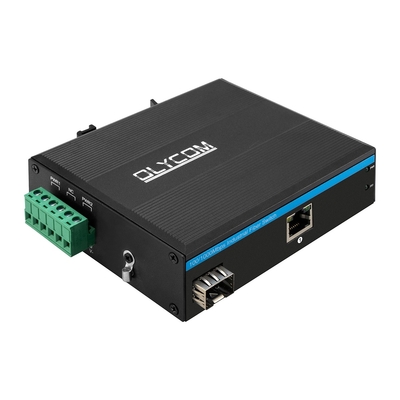
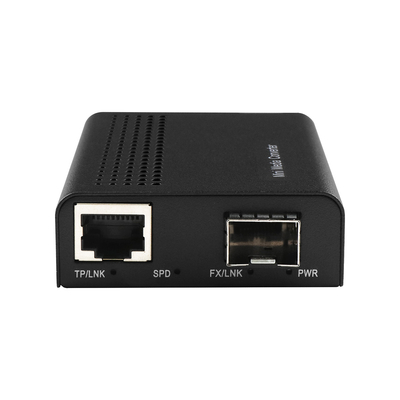
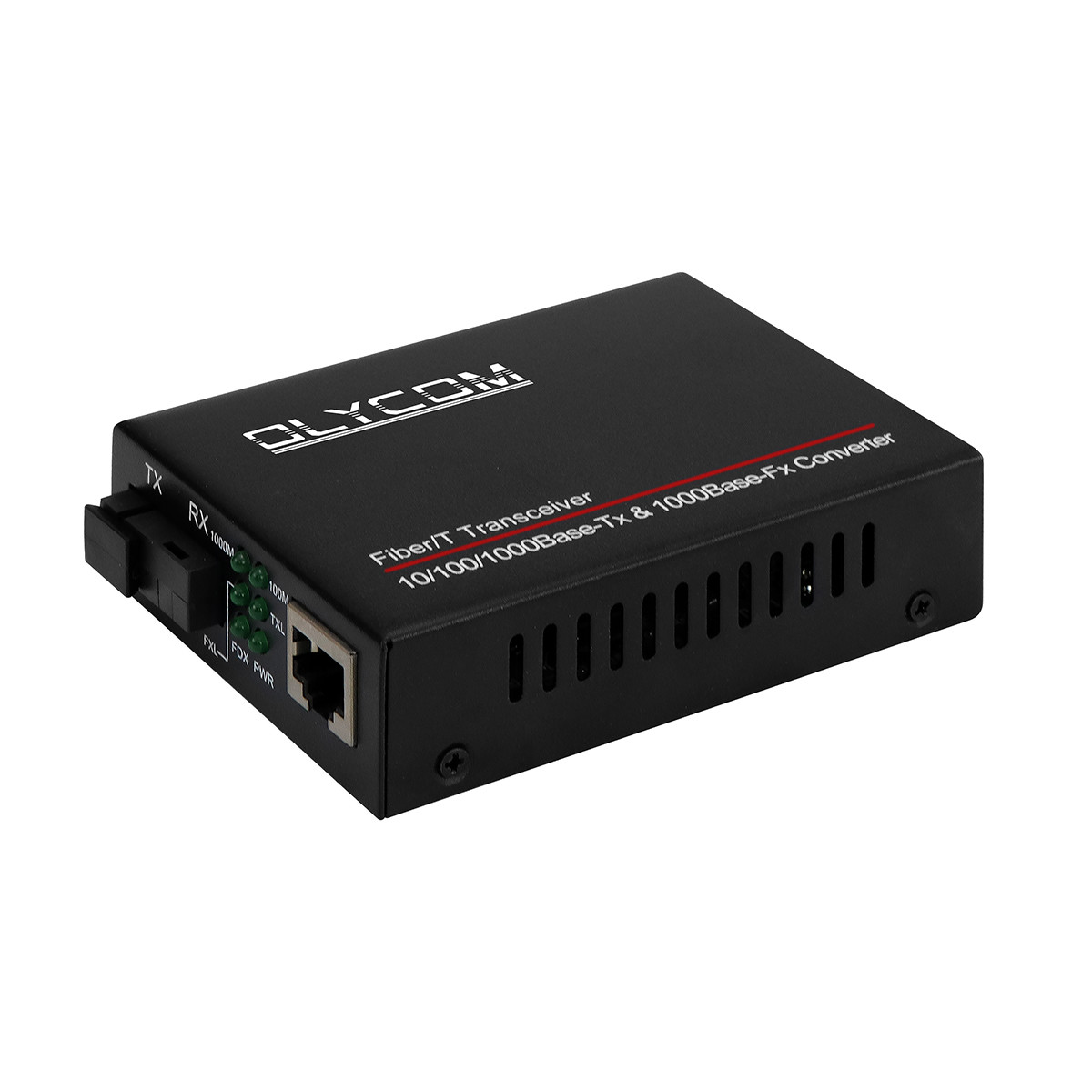
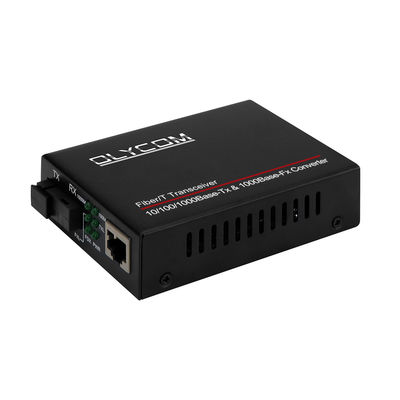
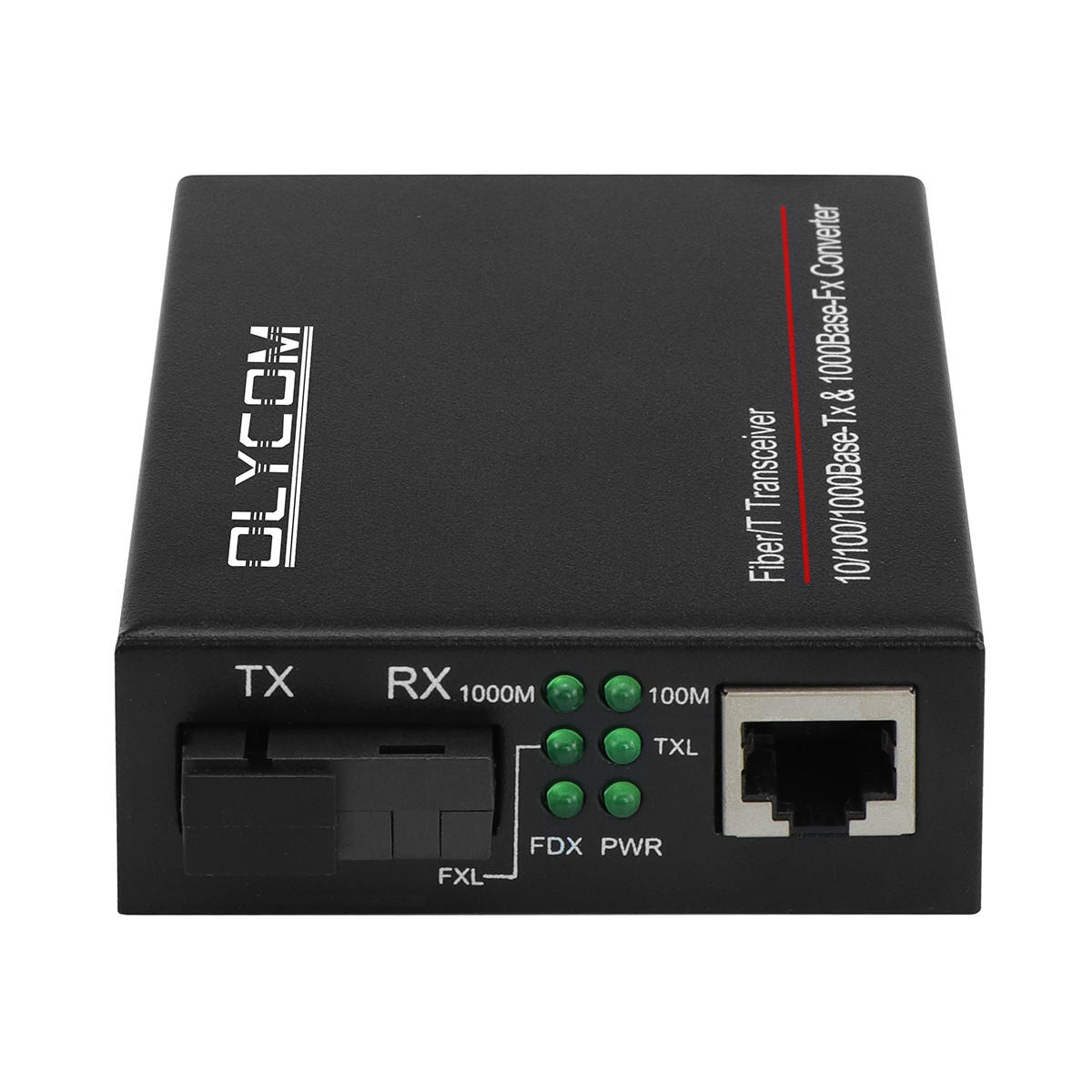
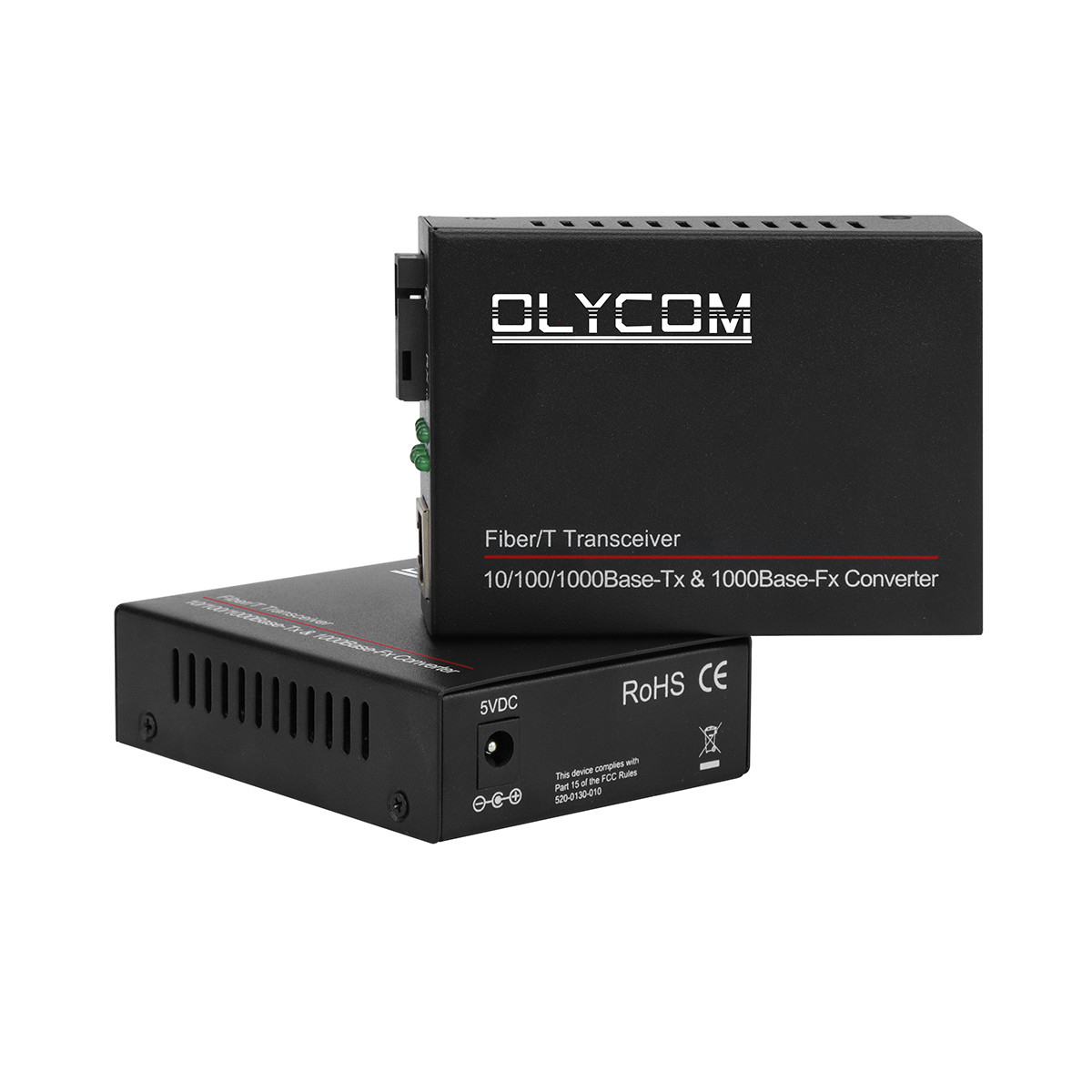
Gigabit Single Core WDM Fiber Media Converter
Key Features of WDM Media Converter
- Wavelength Division Multiplexing (WDM), Tx and Rx on 1 fiber
- 1000BASE-FXFIBER to 10/100/1000BASE-T COPPER Ethernet conversion
- 1600byte super data packet transmission
- Full duplex-flow control, Half duplex-back pressure
- Full-positioned LEDs to indicate power and network status
- Available for 14slots fiber media converter rack
- Featuring 1-fiber transmission with Wavelength Division Multiplexing (WDM) technology
- Utilize fiber optics to extend the physical distance range of a typical Ethernet link to 20km-100km
- Applied in schools, cyber bars, offices, and telecommunication networks
Technical Parameters of Fiber Optic Converter
| Standard |
IEEE802.3 (10BASE-T), IEEE802.3u 100BASE-TX/FX (Fast-Ethernet),
IEE802.3z 1000BASE -SX/LX(Gigabit-Ethernet)
IEEE802.3x (Flow Control)
IEEE802.1q, IEEE802.1p QoS, IEEE802.1d Spanning Tree
|
| 10/100/1000BASE-T |
STP or UTP Category 5/5e/6 cable (Max. 100m) |
| 1000BASE-FX |
9/125um single-mode fiber cable (20/40/60/80/100/120km) |
|
Conversion Mode
Delay Time
|
Store-and-Forward<10us, straight-through<0.9us |
| Flow control |
Full duplex-flow control, Half duplex-back pressure |
| RJ-45 Port |
Auto-MDI/MDIX |
| Fiber Connector |
SC standard, ST/FC optional |
| Wavelength |
1310/1550nm |
| Dimensions |
70mm(W) x 93mm(D) x 25mm(H) |
| Weight |
Net weight: 0.16kg; Gross weight: 0.42kg |
| Input Voltage |
DC 5V1A with External power adapter |
| Power Consumption |
<2.5W |
| MTBF |
50,000 hours |
| BER |
<1/1000000000 |
| MAC Address Table |
1K |
| Buffer Size |
128K |
| Operating Temperature |
0℃~50℃ |
| Storage Temperature |
-40℃~70℃ |
| Storage Humidity |
5%~90% non-condescending |

Ordering details of Commercial Media Converter
| TA511/2-GE/SC-20 |
10/100/1000M, Standalone, Single fiber, Single mode, SC, 20km, external power supply |
| TA511/2-GE/SC-40 |
10/100/1000M, Standalone, Single fiber, Single mode, SC, 40km, external pweor supply |
| TA511/2-GE/SC-60 |
10/100/1000M, Standalone, Single fiber, Single mode, SC, 60km, external power supply |
| TA511/2-GE/SC-80 |
10/100/1000M, Standalone, Single fiber, Single mode, SC, 80km, external power supply |
| TA511/2-GE/SC-100 |
10/100/1000M, Standalone, Single fiber, Single mode, SC, 100km, external power supply |
| TA511/2-GE/SC-120 |
10/100/1000M, Standalone, Single fiber, Single mode, SC, 120km, external power supply |
Troubleshooting
1. Q: Serious network packet loss?
A: (1) The mismatch of the duplex mode between the MC and other connected equipment, like switch, router
(2) Please check whether there are some problem with RJ45 cable and the RJ45 plug
(3) Please check whether you use the correct patch cord and make the correct connection
(4) Please check whether the fiber link loss is beyond the receive sensitivity
2. Q: It can not communicate after MC is connected?
A: (1) The fiber connection are opposite, exchange all the TX and RX fiber
(2) The RJ45 port is not correctly connected with other Equipments (please pay attention to the cross line and
direct line)
The fiber port may also have the mismatch problem, for example: if the media converter is with LFP function,
when you connect the fiber patch cord with APC core to the media converter which the transceiver is with PC core, the media converter will not communicate
But if the media converter is without LFP function, there will be no effect
3. Q: What kind of testing methods could be applied if the media converter has a problem?
(1) Local site test
Connect the two MCs with two PC and do the Ping test.
If Ping is no problem, that’s to say, media converters
Have no problem; if it is Ping problem and can make sure the media converter has problem
(2) Remote site test
Connect the two media converters with two PC and do the Ping test. If Ping is not ok, then you have to check whether the fiber link is normal and the transmission and receiving power of PC are within the proper range.
If it is no problem with Ping test, which will show the fiber link is ok, you can judge there are some problems with the switch
About OLYCOM
1. Company Profile
Founded in 2003, OLYCOM is a technology-oriented provider of fiber optic and networking solutions, focusing on delivering stable, scalable connectivity for global customers across industrial, telecom, and enterprise sectors.
2. Core Offerings
Products include industrial Ethernet switches, DWDM systems, PoE switches, media converters, and optical modules, supporting high-speed transmission, long-distance communication, and flexible network expansion.
3. Application Scenarios
Solutions are widely used in transportation, energy, manufacturing, data centers, security systems, and smart city projects where reliability and performance are critical.
4. Global Presence
OLYCOM serves customers in 120+ countries, working with system integrators, distributors, and operators, adapting to diverse technical and market requirements.
5. Key Strengths
Engineering-driven development, strict quality control (ISO9001, CE, FCC, RoHS), flexible OEM/ODM services, and a strong balance between performance and cost.
6. Vision & Value
Committed to enabling efficient, reliable connectivity, OLYCOM aims to be a trusted global partner in optical communication and network infrastructure.


 Your message must be between 20-3,000 characters!